D71 Register: A Short Form Between You and the Games
Sign-up takes about two minutes on a phone, and it is the same form in the browser and in the app. You need an active Bangladeshi mobile number, and ৳300 for the first deposit if you want the welcome bonus.
18+ · Play Responsibly
Create your account
Open your D71 account in four steps
Everything happens in your browser or in the app. No branch visit, no paperwork, and no documents needed until you ask for your first withdrawal.
-
1
Start on the Register screen
Tap Register in the top menu of any page, or the green button in the header. The same screen opens inside the app once you install it. Keep one tab open only, because a second attempt on the same number is refused while the first form is still loading.
-
2
Type your number and choose a password
Enter the mobile number you actually carry, the one that already receives SMS from bKash or Nagad. Choose a password you have not used on another site, repeat it in the second box, and tick the terms box at the bottom. A referral code is optional.
-
3
Confirm the code we send by SMS
The code goes out straight away. Type it on the confirmation screen and your account is open. If nothing has arrived after two minutes, give it a little longer before asking for another: each new request cancels the one before it.
-
4
Deposit ৳300 or more
Open the cashier, pick bKash, Nagad, Rocket, Upay or a bank transfer, and send at least ৳300 to qualify for the welcome offer. Wallet deposits usually reach your balance within a minute, and the bonus follows the deposit automatically.
Fill four fields, nothing more
There is no long profile to complete. These five lines are the whole form, so it is worth knowing what each one does before you type.
| Field | What to enter | Why it matters |
|---|---|---|
| Mobile number | An 11-digit number starting with 01 that can receive SMS | It becomes your login name. Use the wallet number you will deposit from, so names match later. |
| Password | A mix of letters, numbers and at least one symbol, used nowhere else | The eye icon lets you check what you typed before you submit the form. |
| Confirm password | The same password, typed a second time | This catches typos. A mismatch is the most common reason a form will not send. |
| Referral code | Optional. Only the code a friend shared with you | Each friend who joins and deposits is worth ৳125. Leave it empty if you found us alone. |
| Terms box | One tick to accept the account rules | Only adults can hold an account. The rules page covers bonuses, limits and closure. |
When the form refuses to send
Almost every failed sign-up falls into one of these five patterns. Check the message on screen against the table before you start over.
| Message on screen | Usual cause | What to do |
|---|---|---|
| This number is already registered | The number already holds an account, often one opened in the app and forgotten | Go to the login page and reset the password. Do not open a second account on another number. |
| Code not received | Weak signal, Do Not Disturb switched on, or one digit missing from the number | Check the number digit by digit, turn DND off for a minute, then request one new code and wait a full minute. |
| Passwords do not match | Autocorrect, a trailing space, or a capital letter added by the keyboard | Tap the eye icon in both boxes, clear them completely, and type again with autocorrect switched off. |
| Please accept the terms | The tick box at the bottom was missed | Scroll to the bottom of the form, tick the box, then press Register Now. |
| Page keeps reloading | An old cached copy of the page, or a connection that drops mid-form | Refresh once and clear the browser cache, or install the app from our download page and sign up there instead. |
Still stuck after all five? Live chat runs 24/7 and the team can see whether a code was actually sent to your number. Keep the phone at hand when you open it.
What your first D71 deposit unlocks
Read the terms before your first spin
The 225% is for the first deposit only and stops at ৳21,500. Anything above that arrives as ordinary balance. Before bonus money can leave the account, you play through 11 times the bonus amount on eligible games. Bets on titles outside that list do not reduce the total.
The clock starts the moment the bonus lands, and seven days goes quickly if you only play at weekends. A first withdrawal also needs a photo of your NID, passport or driving licence. Review usually takes about six hours.
- Reload bonus of 25% on later deposits
- Daily cashback of 0.6% on play
- ৳125 for each friend who joins and deposits
- Withdraw from ৳600, up to ৳205,000 a day
- Approved withdrawals usually arrive in about 35 minutes
Send your first deposit from a mobile wallet
Wallet transfers are the quickest route into the lobby. bKash, Nagad and Rocket work the same way: money leaves your wallet, goes to the collection number shown on the deposit screen, and you copy the transaction ID back into the cashier. Keep that ID until the balance moves.
Never send money to a number someone gave you on social media. The collection number appears only after you log in and start a deposit.
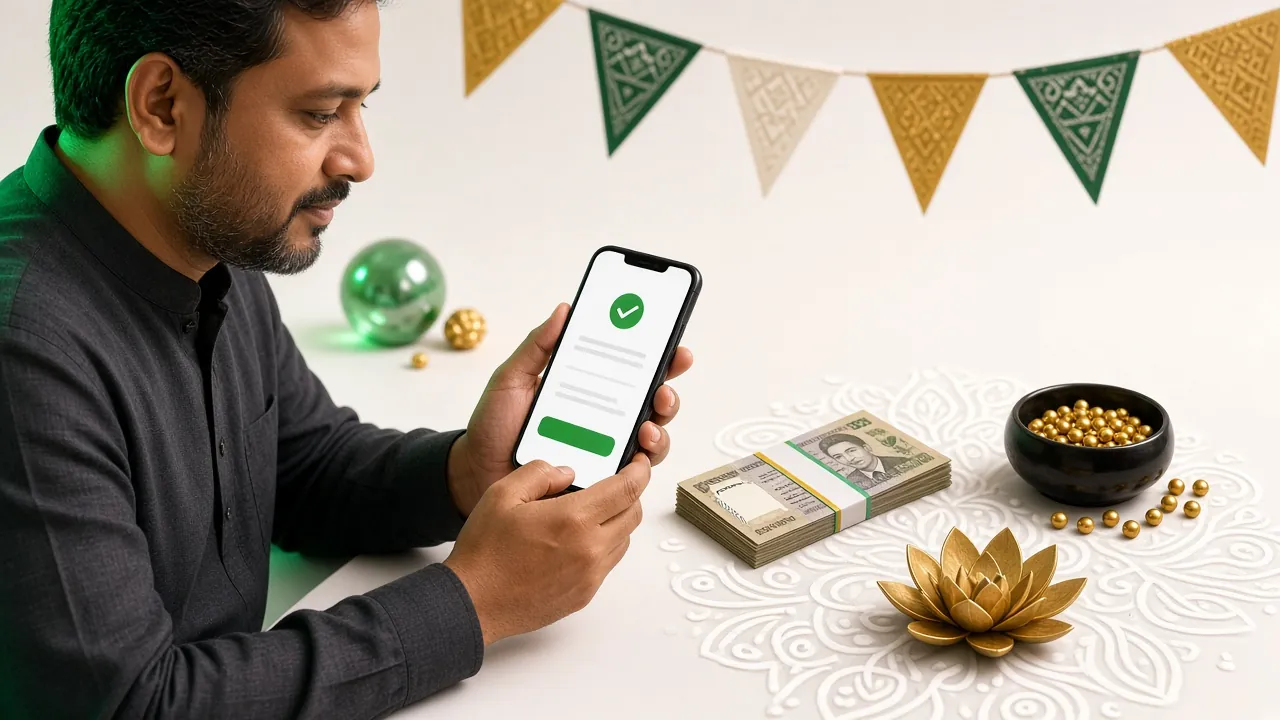
Inside the wallet app or the browser
- Log in and open the cashier, then tap Deposit.
- Choose bKash, Nagad or Rocket from the list.
- Type the amount, for example ৳1,000. The floor is ৳300.
- Confirm, and the wallet app opens on its own payment page.
- Approve the payment with your wallet PIN.
- Return to the cashier, paste the TrxID from the SMS and submit.
On the keypad with the USSD menu
- Open the USSD option on the deposit screen to see the number to pay.
- Dial your wallet's own menu code and pick Send Money.
- Enter the collection number exactly as it is shown.
- Type the amount in taka, for example ৳500.
- Confirm with your PIN and wait for the confirmation SMS.
- Copy the TrxID into the deposit form and submit it.
If the balance has not moved after a few minutes, keep the TrxID and open live chat, which runs 24/7. Nine times out of ten the ID was typed with one wrong digit. Bank transfers take longer than wallets and usually need the sender name to match the account name.
Straight answers to sign-up snags
Why does D71 Register say my number is already in use?
The SMS code never arrives. What should I do?
Can I sign up without bKash or Nagad?
How do I log in once the account is open?
Is the app easier for signing up than the browser?
What happens if I open two accounts?
Start with ৳300 and keep the first week simple
Most new players do better with small, steady bets while they learn how the lobby is arranged. Create the D71 account now, deposit once, and try the slots before you move to the live tables.