D71 Deposit Guide: Money in Your Balance in About a Minute
By the end of this page you will know which wallet to open, what to type into the cashier and what to do when a payment stalls. It is a five-minute read for a one-minute job.
- 18+
- SSL Encryption
- 24/7 Live Chat
- bKash
- Nagad
- Upay
Fast facts
- Minimum top-up ৳300
- Balance updates about 1 min
- Cash-out processing about 35 min
- First deposit offer 225% up to ৳21,500
- Help desk 24/7 live chat
What a D71 top-up looks like, step by step
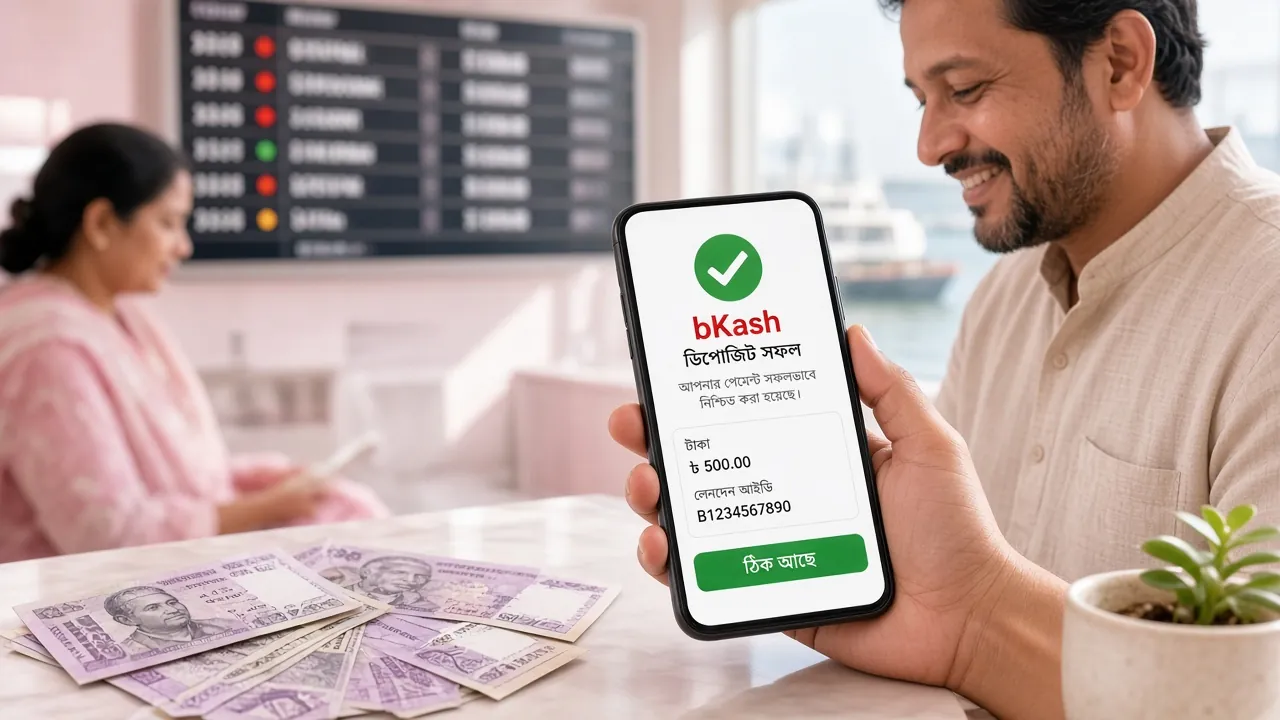
Everything happens inside your account. Open the cashier, choose bKash, Nagad, Rocket, Upay or a bank transfer, then confirm the amount. The money leaves your wallet first and lands in your playing balance a moment later. Nothing extra to install, no agent to visit, no queue at a counter. The five steps below are the whole process, and after the first one most players never come back to this page.
Five ways in, one cashier
- bKash Top-up: about 1 min Cash-out: about 35 min
- Nagad Top-up: about 1 min Cash-out: about 35 min
- Rocket Top-up: about 1 min Cash-out: about 35 min
- Upay Top-up: about 1 min Cash-out: about 35 min
- Bank Transfer Top-up: about 1 min Cash-out: about 35 min
Minimum top-up ৳300. Minimum cash-out ৳600.
Five steps from wallet to balance
-
1
Open the cashier
Log in and tap the deposit button. The amount field opens ready to type, with the ৳300 minimum printed just above it.
-
2
Choose your wallet
Tap bKash, Nagad, Rocket, Upay or bank transfer. The next screen shows the merchant number your payment has to reach.
-
3
Send from a wallet in your own name
The wallet must belong to the account holder. A payment sent from a friend's number is the most common reason a top-up sits on hold.
-
4
Copy the transaction ID
Your wallet confirms with an SMS containing a TrxID. Paste it exactly, letter for letter, and check the last three characters before you submit.
-
5
Wait for the confirmation
Top-ups normally land in about a minute. Keep the page open until the confirmation appears, then go straight to the games.
Have these three things ready
Keep your login details, a wallet balance of at least ৳300 and the phone that receives your wallet SMS nearby. If you plan to cash out later, have your National ID card, passport or driving licence within reach. The first cash-out waits for a document review, which our team completes in about 6 hours.
The first top-up also triggers the welcome offer
Send your first amount and a 225% bonus is added on top, capped at ৳21,500. The bonus carries 11x wagering before any of it can be withdrawn, so a smaller, comfortable first deposit usually works out better than a large one. The offer applies once per player, on the first confirmed payment.
One thing worth saying plainly: a deposit is not a bet. The balance sits in your account until you open a game or place a bet, and the route back to your wallet stays open. Send only what you had planned to play with.
Match the wallet to the amount you send
Every method above reaches your balance in about a minute, so speed rarely decides the choice. What changes is coverage, the size of the amounts people usually send, and how easy the app feels at eleven at night on a match night.
| Wallet | Best for | What to expect |
|---|---|---|
| bKash | Small, frequent top-ups | The widest agent and app coverage in Dhaka and the districts. Comfortable from ৳300 upwards, and easy to repeat a few times a week. |
| Nagad | Quick top-ups from the phone | Confirmation arrives fast inside the app, which suits players who add money shortly before a match or a session. |
| Rocket | Bigger amounts | Steady with larger sends and widely used outside the big cities, so a bigger first deposit is less likely to hit an app ceiling. |
| Upay | One-off deposits | A short, simple flow with few taps. Fine for a single monthly top-up rather than daily use. |
| Bank Transfer | Large first deposits | The practical route when you send a big amount to reach the top of the welcome offer. Type the reference number carefully. |
Whichever you pick, cash-outs normally return to the same wallet in about 35 minutes, so the method you deposit with is the method you withdraw to. Staying with one wallet makes life easier: when a payment needs tracing, our live chat team can follow a single trail instead of three.
The numbers your cashier will hold you to
Deposits and cash-outs share one rule: the amount has to clear the minimum before the cashier accepts it. Your daily ceiling depends on your tier, and tiers move on their own once monthly turnover crosses a threshold.
- Minimum top-up
- ৳300
- Minimum cash-out
- ৳600
- Balance update
- 1 min
- Cash-out processing
- 35 min
| Tier | Monthly turnover to reach it | Daily cash-out limit |
|---|---|---|
| Classic | Starting tier | ৳200,000 |
| Plus | ৳70,000 | ৳350,000 |
| Prime | ৳230,000 | ৳610,000 |
| Elite | ৳770,000 | ৳1,100,000 |
| Signature | ৳2,500,000 | ৳1,800,000 |
| Infinity | ৳8,400,000 | ৳3,100,000 |
New accounts start on Classic. There is nothing to apply for, and the limit updates as soon as your turnover qualifies.
Six snags and how to clear them
Most stuck payments come down to a mismatched name or a mistyped transaction ID, and both are fixable in a couple of taps. Work through the row that matches what you see before you open a chat window.
| What you see | Likely reason | What to do |
|---|---|---|
| Money left the wallet, balance unchanged | The transaction ID was never submitted, or it was typed with a wrong character | Reopen the cashier, paste the TrxID from the confirmation SMS, and submit the deposit form again. |
| Deposit page says pending | The wallet network is slow at a busy hour, so the confirmation has not reached us yet | Give it longer than the usual one minute, then bring the wallet SMS to live chat if it still has not cleared. |
| Cash-out bounced back into your balance | The wallet number does not match the name on the account | Re-enter the wallet number registered in your own name. Third-party numbers are not paid out. |
| Cash-out sitting before approval | A first payout is waiting on a document review | Send one clear photo of your National ID card, passport or driving licence. Review takes about 6 hours. |
| Top-up credited lower than you sent | The amount typed was the total charged, not the amount that reached the merchant number | Enter the sum that actually arrived, then ask live chat to top up the difference. |
| Cashier refuses the amount | Below the ৳300 minimum, or above your tier's daily cash-out limit | Send at least ৳300 for a top-up, and split a large cash-out across two days or move up a tier. |
If none of these fit, our live chat team is on duty around the clock and can trace a payment by your transaction ID. Have the wallet SMS and your account number ready before you start the chat, and keep the message to the facts: amount, time and the ID. That shortens the wait for you and for the next player in the queue.
Before your first top-up: questions worth reading
Short answers to the things players ask most often in the first week.
Jump to a question
How long does a D71 deposit take to reach my balance?
What is the smallest top-up and the smallest cash-out?
Can I deposit from a friend's or family member's wallet?
Do I need to send a screenshot after paying?
Why is my cash-out smaller than my balance?
Does the D71 app change how deposits work?
Open an account, send ৳300 and see the whole thing work
The first top-up is the only part that feels unfamiliar. Once it clears, deposits, cash-outs and the welcome offer follow the same pattern every time. Register, choose bKash or Nagad, and keep this guide open in a second tab if you want company.
Reading on your phone? The D71 app download page has the APK, the install steps and the Android requirements. Cash-outs are explained in the withdrawal guide.